Developers & CI
Add visual regression checks to any pipeline. Capture a build, diff it against production, fail the job when pixels drift — no headless Chrome to maintain.
Capture full-page screenshots of any URL with a fast, pixel-perfect screenshot API — plus bulk capture tools, visual change monitoring and an MCP server, so your pipelines and AI agents see exactly what shipped. PNG, JPEG or PDF, from any URL.
Your capture renders here — stamped and ready.
Pouring ink… rendering page
Capture failed
Check the URL and try again.
Real capture from our EU renderer · 5 free demo captures/day · no card
Screenshot API, tools, monitoring and an MCP server — one key, one meter.
Width, full page to 20,000px, lazy-load, ad blocking, PDF and HTML-to-image. One endpoint family.
POST /v1/capture
url=stripe.com full_size=trueSchedule recurring captures, pixel-diff every run, get emailed the moment a page moves.
⚠ change detected · 3.2%
Connect once and your agent captures, compares and audits any page — and sees the result the same turn.
Convert any URL to an image or PDF with a single REST call. Control width, full-page height up to 20,000px, device scale, lazy-load handling, ad & cookie-banner blocking, custom wait times and caching — then call the same key over MCP.
curl "https://screenshotink.com/v1/capture" \
  -H "Authorization: Bearer sk_live_…" \
  -d url="https://example.com" \
  -d width=1440 -d full_size=true \
  -d no_ads=true -d format=png
const res = await fetch("https://screenshotink.com/v1/capture", {
method: "POST",
headers: { Authorization: `Bearer ${key}` },
body: JSON.stringify({ url: "https://example.com",
width: 1440, full_size: true, no_ads: true })
});
const { image_url } = await res.json();import requests
shot = requests.post("https://screenshotink.com/v1/capture",
headers={"Authorization": f"Bearer {key}"},
json={"url": "https://example.com",
"width": 1440, "full_size": True})
print(shot.json()["image_url"])$res = file_get_contents('https://screenshotink.com/v1/capture?' .
http_build_query(['url' => 'https://example.com', 'full_size' => 'true']),
false, stream_context_create(['http' => ['header' => 'Authorization: Bearer sk_live_…']]));
$shot = json_decode($res, true);
echo $shot['image_url'];{
"status": "done",
"image_url": "https://screenshotink.com/shots/9f/2k1x.png",
"width": 1440,
"height": 8260,
"render_ms": 1840,
"cached": false
}1.8s
median render time
20,000px
full-page capture height
$29
10,000 captures/mo · vs $79+
From CI pipelines to autonomous agents — one screenshot API behind all of it.
Add visual regression checks to any pipeline. Capture a build, diff it against production, fail the job when pixels drift — no headless Chrome to maintain.
Monitor every client site for visual changes and downtime. Get emailed the moment a page breaks — before the client notices.
Give your agent eyes over MCP. It captures, compares and reasons over real rendered pages — in the same turn, with no browser to run.
Snapshot critical flows across devices and viewports. Catch layout breaks on phone, tablet and desktop from a single URL.
Track competitor pricing pages and product listings on a schedule. Archive every capture for up to 365 days of visual history.
Archive landing pages and SERP snapshots, generate thumbnails for link previews, and turn any URL into a shareable image automatically.
Run the everyday jobs straight from your browser against the same quota.
Capture the entire scrollable page of any URL as PNG, JPEG or PDF.
One URL across phone, tablet, laptop and desktop — side by side.
Pixel-diff a page on a schedule and get alerted when it changes.
Performance, a11y and SEO scores with the rendered page beside them.
Schedule recurring captures of any page. We pixel-diff every run, keep a visual archive up to 365 days, and email you the moment something moves.
Connect once and your agent can capture, compare and audit any page — and see the screenshot in the same turn. No headless Chrome, no local browser, works in CI and cloud sandboxes.
npx @screenshotink/mcp --key sk_live_…
# or remote: https://mcp.screenshotink.com/mcp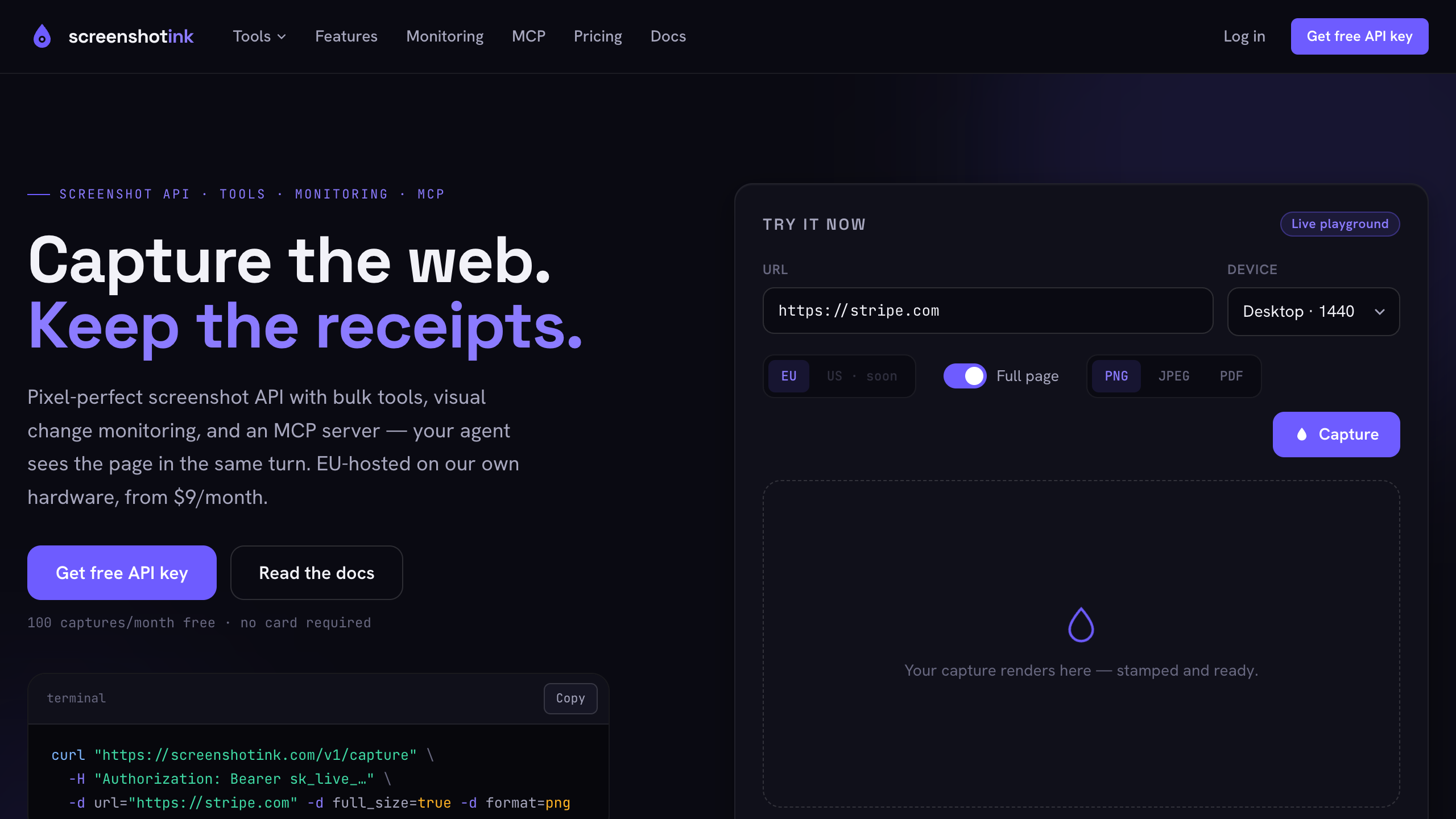
The hero renders correctly — headline, subcopy and CTA all visible at 1440px, product image loads. No overflow. ✓
Compare ScreenshotInk vs ScreenshotOne & ApiFlash →
At 10,000 captures/mo
$29 vs $79+
Our Pro plan undercuts the market at the same volume — and extra credits are $5 per 1,000, never expiring.
Included, not add-ons
Tools + monitoring
Bulk, responsive, Lighthouse, sitemap tools and visual change monitoring ship on every plan. Competitors sell the API alone.
EU-hosted, your data
EU infrastructure
Captures run from Frankfurt on hardware we own — no hyperscaler middleman. Archives stay in the EU; a US region is on the roadmap. DPAs on request.
$0
100 captures/mo
$9/mo
2,000 captures/mo
$29/mo
10,000 captures/mo
$79/mo
50,000 captures/mo
Most pages render in 1–3 seconds. Full-page captures of long pages (up to 20,000px) take longer; lazy-load handling adds what you ask for. Cached repeats return in under 200ms.
Yes — one capture is one capture, whether it comes from the REST API, a tool, or your agent over MCP. The Free plan's 100 monthly captures work everywhere, no card required.
Requests return a clear 429 with your reset date. You can buy extra credits at $5 per 1,000 — they never expire — or upgrade mid-cycle.
Captures run from our EU infrastructure on hardware we own — no hyperscaler middleman. Archives and account data stay in the EU, and we sign DPAs on request. A US region is on the roadmap.
Both are included on every plan. Send a URL with format=pdf for a print-quality PDF, or POST raw HTML in the html parameter and get back a PNG, JPEG or PDF. Same endpoint, same quota.
100 free captures a month. API key in 30 seconds. Works over REST and MCP from the first minute.
no credit card required · 100 captures/mo